Last Updated on 12 April 2022 by Suffocation
Description
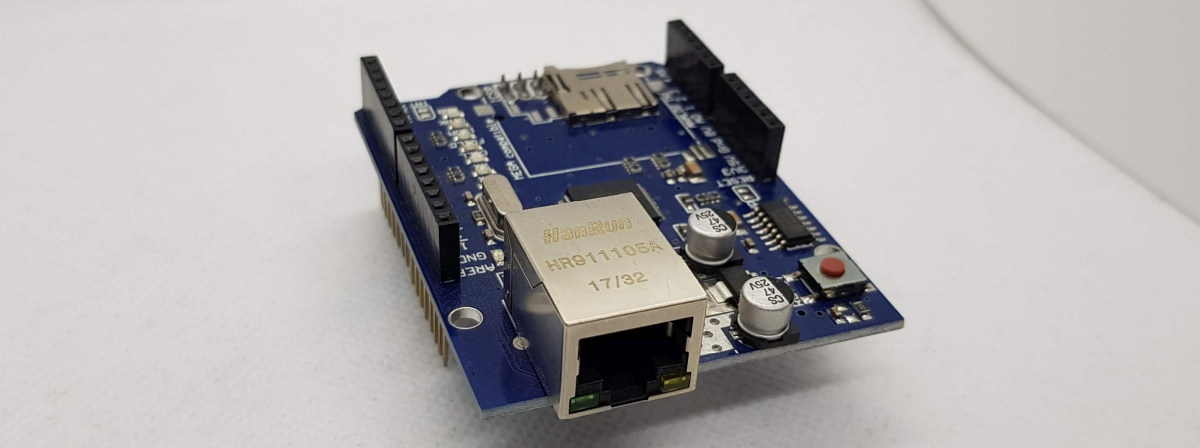
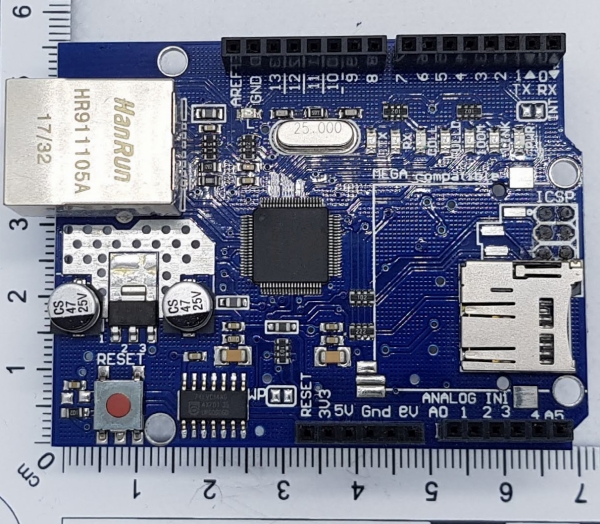
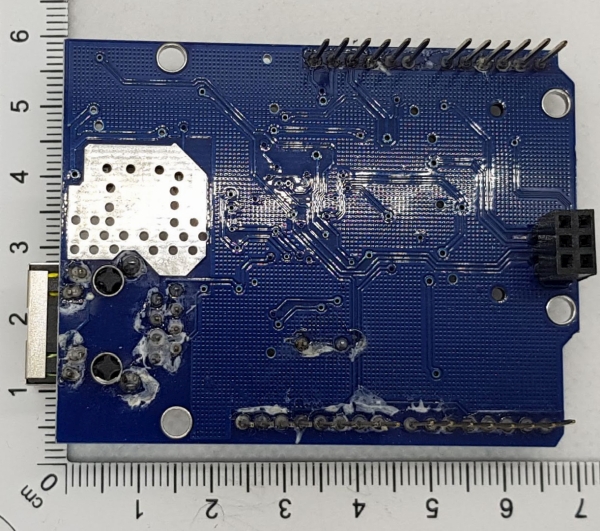
Diese Platine bietet einen Ethernet 10/100 Mbit Anschluss und einen Steckplatz für eine SD Karte. Sie wird über den SPI Port angesprochen und ihre Kontakte sind durchgeschleift, so dass noch andere Zustatzplatinen auf ihr Platz finden.
Unfortunately, only one can be active at a time, either the SD card or the W5100 network chip.
The circuit board/software allows up to 4 simultaneous connections.
Applications
Diese Paltine kann zum Beispiel zum Aufbau eines Webservers oder für Schaltvorgänge über das Netzwerk in der Hausautomation dienen.
Using the circuit board, a network analysis tool can also be created that extracts information when connected to the network.
Views
Annexation
Die Platine wird über den SPI angeschlossen. Beim Uno sind das Pin 10, 11,12 und 13 beim Mega Pin 50,51, 52 und 53. Die Pinbelegungen im Überblick:
| Pin | Description |
| 11,12,13 | SPI für Ethernet |
| 10 | W5100 select? |
| 4 | SS |
Programming
Library
Two libraries are needed, both are included with the Arduino GUI.
Ethernet
https://www.arduino.cc/en/Reference/Ethernet
https://github.com/BlakeFoster/Arduino-Ping
SD card
https://www.arduino.cc/en/Reference/SD
Ethernet Test
Was macht man mit einem Ethernetshield, ausser ihn ans Netz anzuschliessen und irgend ne Website drauf pappen und oder einen Sensor auszulesen und dessen Wert übers Netz zur Verfügung zu stellen.
SD-Test
Conclusion
Problems
Sources
https://www.arduino.cc/en/Main/ArduinoEthernetShieldV1
https://www.arduino.cc/en/Reference/Ethernet
https://www.mouser.com/catalog/specsheets/A000056_DATASHEET.pdf