Last Updated on 11 April 2026 by Suffocation
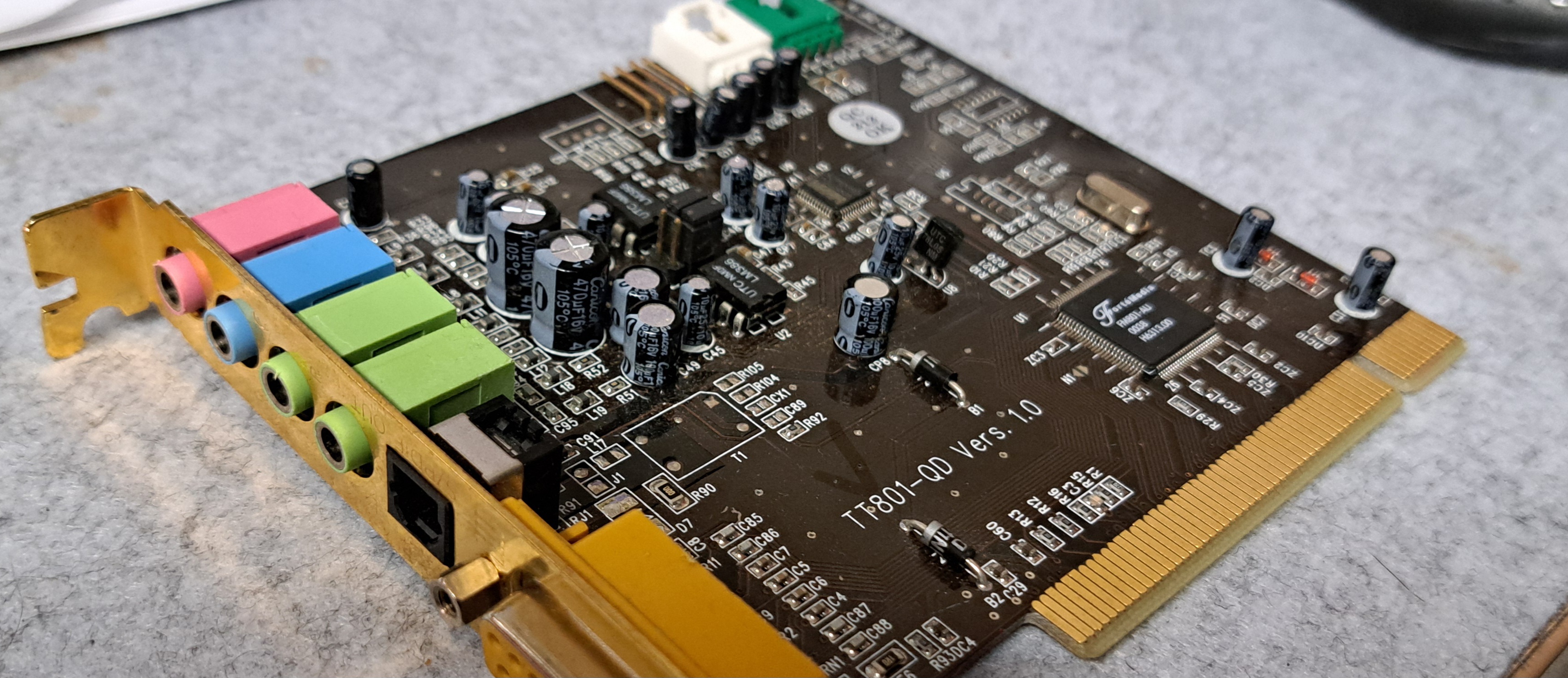
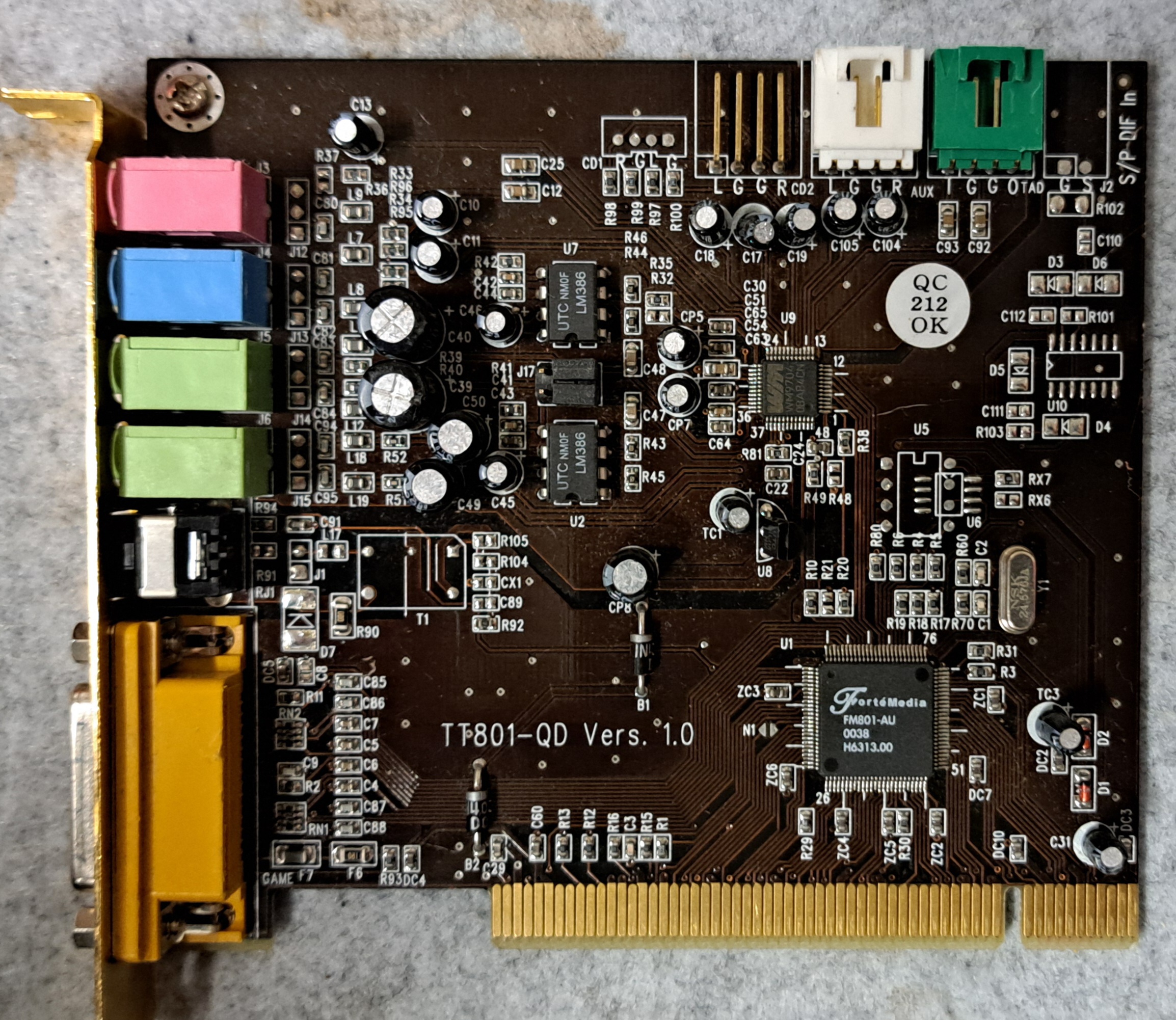
Annähernd moderne PCI Sounkarte mit DOS Treiber. Die Karte besizt einen Forte Media 801 Soundchip. Dieser beherrscht 5.0 Sound, zumindest unter Windows. Die Karte lässt sich leicht installieren und war zumindest in meinen Testfällen robust. Auch machte die Installation unter DOS keine Probleme hier hätte sich Creativ durchaus mal eine Scheibe abschneiden können.
Views

Facts
| Name | Promedia 512i Digital |
|---|---|
| Manufacturer | Terratec |
| Type | 512i digital |
| Chip | FM-801-Au |
| Bus | PCI |
| Sound Version | 5.0 |
| Windows | 9x/NT/XP/ME/2000 |
| Two | ? |
| Plug and play | X |
| Publication year | ~2001 |
| Compatibility | |
| Wavetable | No |
| OPL2/3 | No |
| Special features | S/PDIF Output |
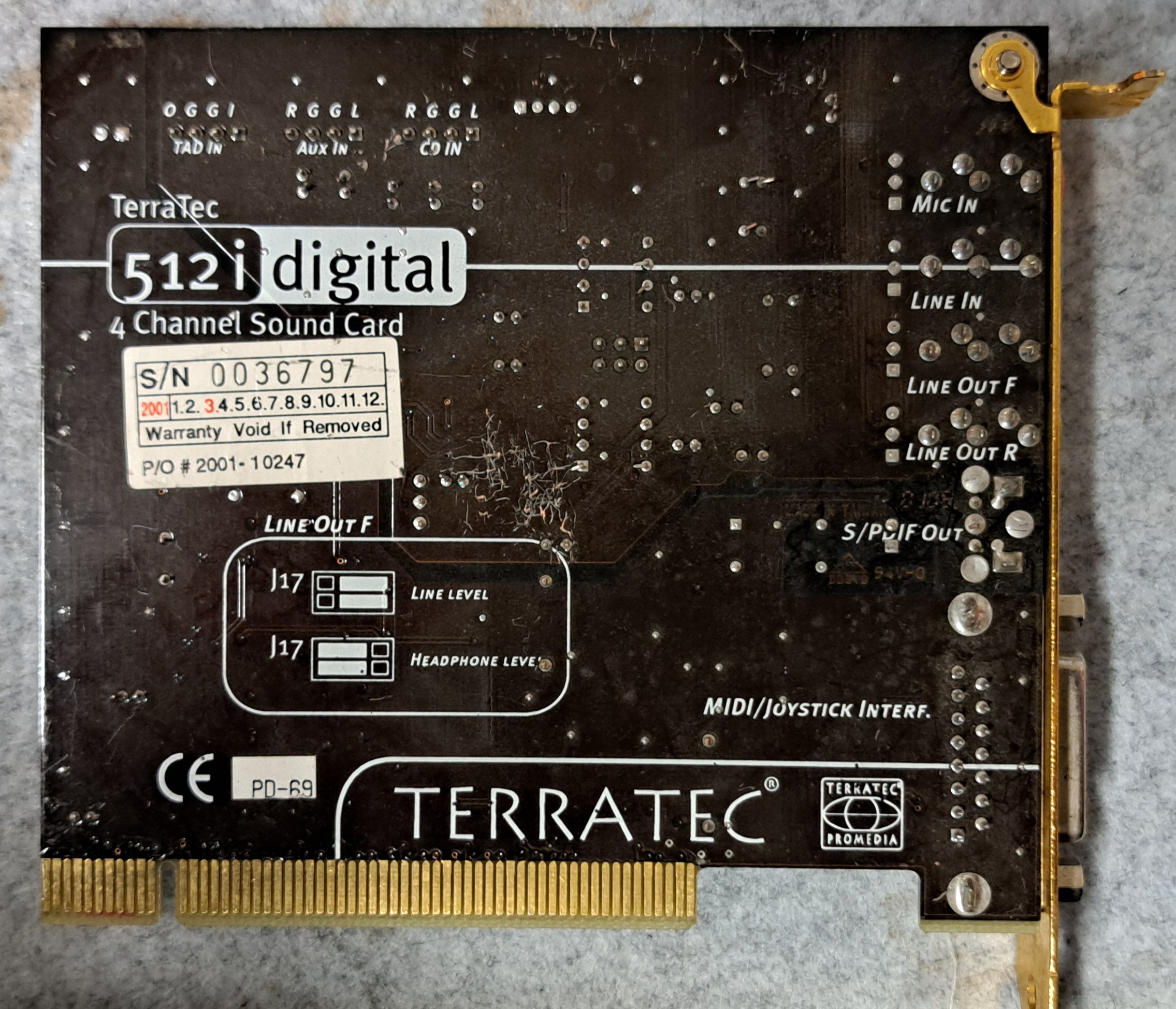
| External connections | Front / Rear / Line In / Mic |
| Internal Connectors | 3x CD Sound |
| CD-ROM | No |
| Gameport | 1 |
| System requirements |
Data sheet
User manual
–
Driver
I found the drivers at Vogons, but they are also available from Terratec themselves.
https://www.vogonsdrivers.com/getfile.php?fileid=1147&menustate=53,0
Two
Use the Install.exe from the package linked below. The settings will be queried and the driver along with the configuration will be saved to C:. A corresponding entry will be made in the Autoexec.bat. I have moved the files to a driver directory on my machine. The path on your own machine must be adjusted accordingly.
The card works well for me in DOS, I tested it with Monkey Island 1, Doom I, and Duke Nukem 3D. The test machine was a Pentium I MMX 200MHz with an ATI Mach 64 graphics card.
ACHTUNG das Installationskript ist nicht ganz Fehlerfrei es ändert „goto %CONFIG%“ in „goto CONFIG“
#Autoexec.bat
#Autoexec.bat
SET BLASTER=A220 I5 D1 T4 P330
LH c:\driver\dt0398\CFG801
LH c:\driver\dt0398\DOS801
Win3.x
?
Win 9x, NT4, 2k, DOS
WIN 2000, XP
NT3.x, 4.x
OS/2
–
Sound problems
Windows no sound in DOS mode
- Install/start DOS driver
- Install SB16 Emulation
No music
- Check settings, is the address correct?
No TFX sound
- Check settings, SIMM, Address, IRQ, DMA...
IRQ Busy
- BIOS IRQ Search Reset
- Assign IRQ in BIOS
- Use another slot (usually means another IRQ too)
- Reserve IRQ for ISA (it will then not be available for PCI)
IRQ nicht für Dos geeignet
- Reserve IRQ for ISA (it will then not be available for PCI)
- See IRQ Occupied
Choppy sound with interruptions
This can happen if the IRQ is doubly assigned. For this, please look at the solutions for „IRQ Occupied“.
Miscellaneous
Manufacturer's FAQ
Magazines
PC Hardware 2001-5 Page 45
Source: Archive.org
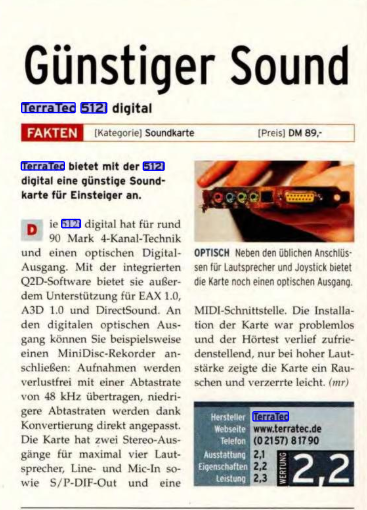
PC Game Hardware 2001_8 Page 127
Source: Archive.org
Test report
PC Action 2001_8 Page 171
Source: Archive.org
Conclusion
| Description | Worth |
|---|---|
| Successfully Installed | Yes |
| Price | Gibts bei EBAY um die 20€, sie scheint nicht begehrt zu sein obwohl sie unter Dos funktioniert, hier wird wohl lieber auf ein Creativ Produkt zurückgegriffen |
| Function | OK |
| Is it worth it | Ja – für 20€ eine PCI Dos Karte das ist ok. |
| Einschränkungen | Soundblaster Emulation – but it doesn't seem to cause any problems |
Verwandte Beiträge
- Retro Graphik – ET4000AX (1994 Bios)
- Retro Sound – 8Bit ISA SoundBlaster 2.0 (CT1350B)
- Retro Sound – Diamond Technology DT0398
- Retro Sound – CT4810, CT4750
- Retro Sound – CT5803
Sources
Herstelle Seite Terratec, hier gibt es noch Treiber und Handbücher
Retro Web – Sound Card Description
Gute Anlaufstellen für Treiber
http://vogonsdrivers.com/
https://www.philscomputerlab.com
Log
| Date | Description |
|---|---|
| 09.04.2024 | Post Created, |
| 11.04.2024 | Contribution completed, card tested under DOS |
| Date | Change | Author |
|---|---|---|
| 09.04.2026 | Post created | Suffocation |