Last Updated on 8. October 2026 by SuffocationLink status: OK
Brief description
Mirror OS ist ein Betriebssystem, entwickelt für smarte Spiegel. Dies sind Spiegel, die eine Art Handy-Funktionalität bieten.
What is needed
Vorkenntnisse mit dem Raspberry Pi und Linux können nicht schaden ;). Auch hilft es sicherlich, schon mal SSH verwendet zu haben. Ansonsten braucht ihr Folgendes.
Hardware
- Ich habe noch einen Pi B+ V1.2 rumliegen, der soll als erstes Versuchsobjekt dienen.
- A 65GB microSD card.
- WiFi Adapter 😉
Software
- Mirror OS hereLink status: Unknown download.
- SD Formatter hereLink status: OK download.
- Etcher zum Beschreiben der SD Karte hereLink status: Broken.
Miscellaneous
- Windows PC
Installation
Prepare SD
Die folgenden Aktionen passieren auf deinem Windows PC. Die Installation über Mac ist auch möglich, dafür bitte dem Original-Link zum Mirror OS folgen.
Format
Ich bin nicht sicher, ob dieser Schritt wirklich nötig ist, aber ich habe es, wie auf der Mirror OS Seite beschrieben, einfach mal gemacht.
Install SD Card Formatter. HereLink status: Broken Is there a guide?.
SD Karte mit „Quick format“ formatieren.
Danach kurz die SD Karte aus dem PC entfernen und wieder einstecken. Da der Formater einen Autoauswurf auslöst ;).
Falls noch nicht geschehen, das Mirror OS Image downloaden.
Nun Etcher installieren, falls noch nicht getan.
Das Image auf die SD Karte schreiben. Hierfür Etcher starten.
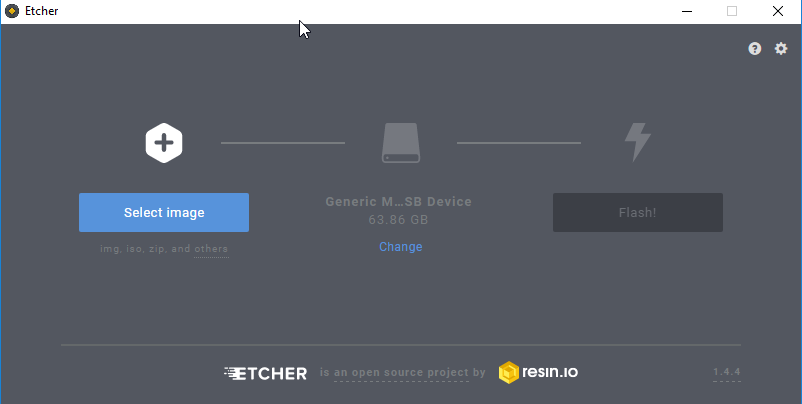
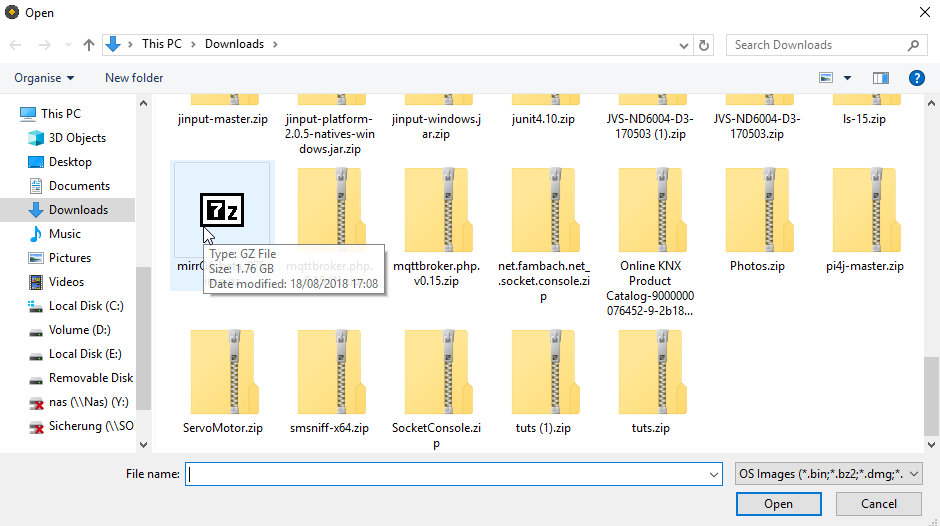
Select image
Auf Flashen drücken …
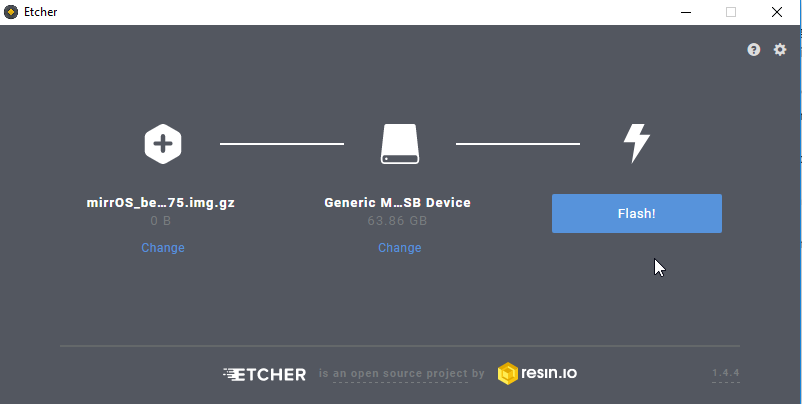
und warten …
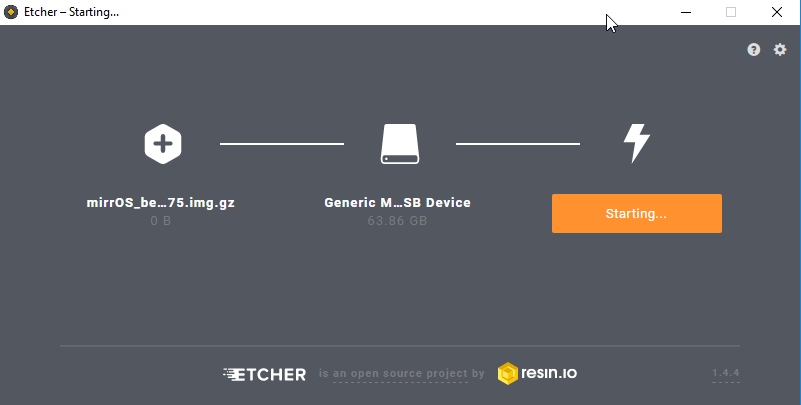
Und fertig … ab mit der SD Karte in den PI und starten.
Leider funktioniert mein Raspberry Pi 2B nicht richtig. Ich bekomme keine Verbindung, liegt wahrscheinlich an meinem Wifi Adapter.
Somit habe ich mir schnell noch einen PI3 bestellt und siehe da, ich bekomme nach einer Weile ein Bild. Jetzt nur noch den Anweisungen auf dem Bildschirm folgen.
- Connect to the mobile phone with the specified network.
- Webseite http://glancr.conf öffnen
- Configure network and provide a valid email address
- Wenn alles klappt, bekommt ihr eine E-Mail, in der Links zur Konfiguration stehen.
- Dann noch Module runterladen und installieren
- Die Module anordnen …
und das wars. Die Bedienung ist einfach und intuitiv. Evtl. in der Konfiguration noch das Bild drehen, hereLink status: Unknown steht, wie es geht.
The television test
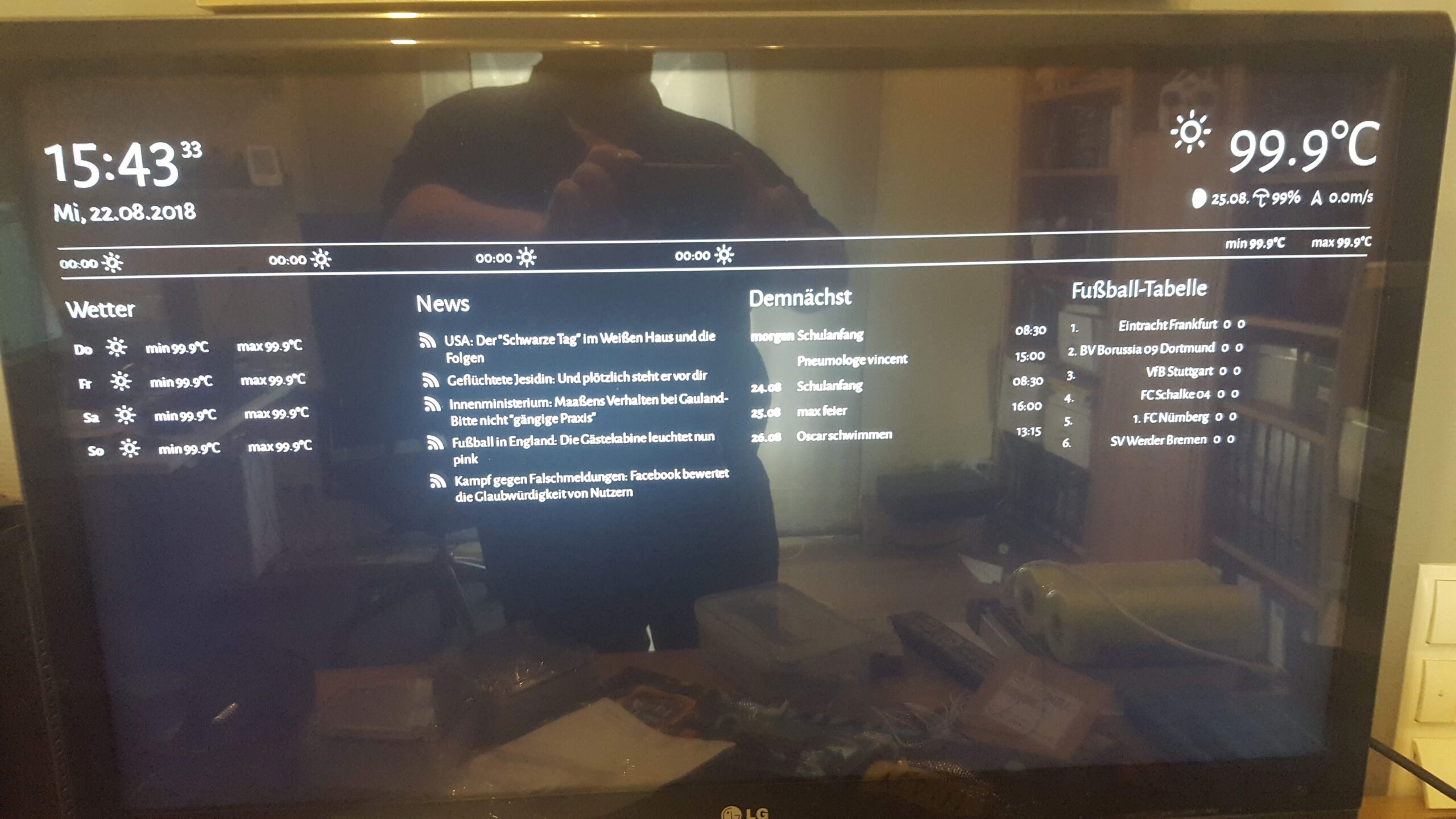
So kanns aussehen, die Temperatur stimmt wohl noch nicht ganz. Aber wie man sieht, spiegelt mein Fernseher auch ;).

Conclusion
Wenns mal geklappt hat, das Mirror//OS zu installieren, ist es ein wirklich nettes System. Es gibt auch schon ein paar Module, die von der Website heruntergeladen und einfach auf der Konfigurationsseite installiert werden können.
Das Arrangieren der einzelnen Module ist sehr einfach gehalten. Es kann nur bestimmt werden, ob das Modul über den halben oder den ganzen Bildschirm gehen soll und die Reihenfolge untereinander. Was durch diese Anordnung am Ende rauskommt, sieht dann überraschend gut aus ;). So scheinen die Halbbildschirmmodule nach ihrem Platzbedarf fließend nebeneinander angeordnet zu werden.
Alles in allem ein gelungenes OS, gut zu installieren und zu konfigurieren.
Problem
Mit dem PI 2 hats bei mir nicht funktioniert, was aber eher dem WIFI Adapter geschuldet ist.
Beim ersten Anlauf hat es auch nicht mit dem PI3 funktioniert. Habe dann das Image nochmal neu auf die SD Karte geschrieben und von vorne angefangen.
Sources
FAQ https://glancr.de/hilfe/Link status: Unknown
| Date | Change | Author |
|---|---|---|
| 08.10.2026 | Überschriften-Hierarchie korrigiert (H1→H2, Unterebenen eine Stufe tiefer) | Suffocation |
| 04.10.2026 | Rechtschreibung korrigiert: Tippfehler, Kommas, Grammatik, Groß-/Kleinschreibung | Suffocation |
| 03.10.2026 | Log-Liste eingefügt | Suffocation |
| 18.08.2018 | Post created | Suffocation |