Bild einer kleinen Maus

ESP32-S2 playing with the mouse

A friend was recently complaining to me. He's now working from home and is worried that his employer is tracking his computer data. Since the computer goes into standby mode after a few minutes, he came up with the idea of constantly moving the mouse to prevent this. His wireless mouse even reaches the toilet, he said…

Continue reading "ESP32-S2 das Spiel mit der Mouse"
Espressif IDF – GPIOs

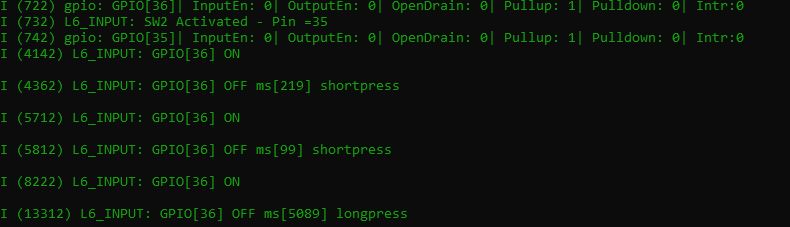
Most of the ESP32's GPIO pins, with a few exceptions, can be used as either inputs or outputs (see the relevant datasheet for more information). The following examples demonstrate how to control these digitally. In principle, when pins are configured as digital, they can take on the value 1=true or 0=false. Output Here's the blinking example with...

Continue reading "Espressif IDF – GPIOs"

Espressif IDF – Tasks

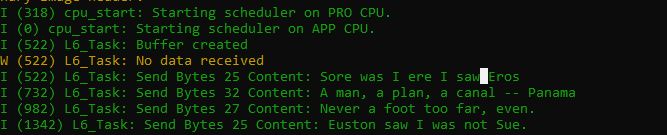
A task is a (recurring) job for the processor. Multiple tasks compete for the CPU's attention. How these are created and which data structures are available for data transfer and synchronisation will be briefly outlined in this post. Tasks can become a very complex matter, which is why I can only scratch the surface here. Nevertheless…

Continue reading "Espressif IDF – Tasks"

Espressif IDF – Menuconfig

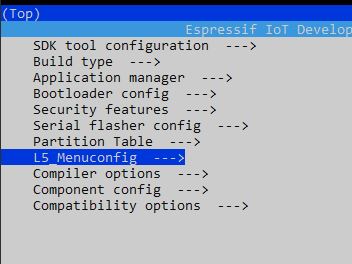
One of the nice achievements of the IDF is the menu-driven configuration. What I find even nicer is that custom configuration points can be created. These are then automatically integrated into the main menu. First off: the library „esp_system.h“ is needed in the source code, otherwise it won't work. After changes to the menu, run an idf.py clean. To create such a configuration point, take...

Continue reading "Espressif IDF – Menuconfig"

Espressif IDF – Timer

A popular example in the Arduino environment is Blink. This switches an LED on and off with a short pause. We will come to GPIO actions in the next chapter; we will deal with blinking here. In the Arduino environment too, it is always advised to avoid code interruptions with delay. There are some constructs there with...

Continue reading "Espressif IDF – Timer"

Espressif IDF – Log Messages

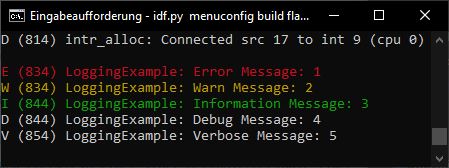
When developing on the microcontroller, it's often important to have the occasional output to gauge whether the developed code is doing the right thing. It's a shame when such outputs still burden the finished product. So that the debugging code makes it into the final product, or only to a limited extent, there are in nearly…

Continue reading "Espressif IDF – Lognachrichten"

Espressif IDF – Error Handling

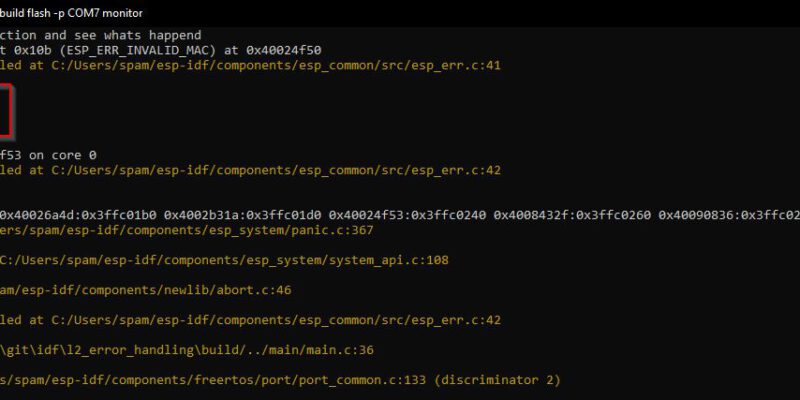
Error handling in the IDF is one of the core functionalities. You'll encounter it in practically every example program, which is why I'd like to go into more detail here. All important IDF functions return error codes. These can either be handled manually (if condition + own handling) or they can be passed to a special macro (function) for...

Continue reading "Espressif IDF – Fehlerbehandlung"

Espressif IDF – Console Output

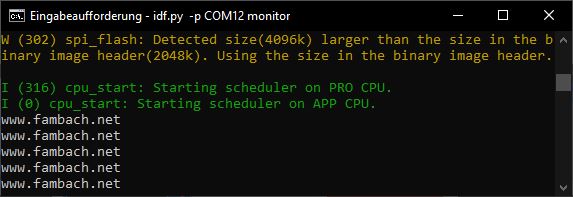
Direct output to the console is achieved in the IDF with printf. However, one should be sparing with this, as there are other mechanisms for debugging purposes or error handling, for instance. These can then also be switched on and off via Menuconfig and thus do not burden the CODE. The test code for a simple output looks like this…

Continue reading "Espressif IDF – Konsolenausgabe"

Espressif IDF – Create Project

Here I describe how to create a new IDF project. How to use and install the IDF, also in conjunction with VS Code, has already been described by me at the following links and is not the subject of this post. Installing Espressif IDF for ESP32-S2 VS Code Espressif IDF LILYGO EP32 S2 V1.1 (1st Application) A good start is the IDF example…

Continue reading "Espressif IDF – Projekt erstellen"