Last Updated on 18. July 2026 by Suffocation
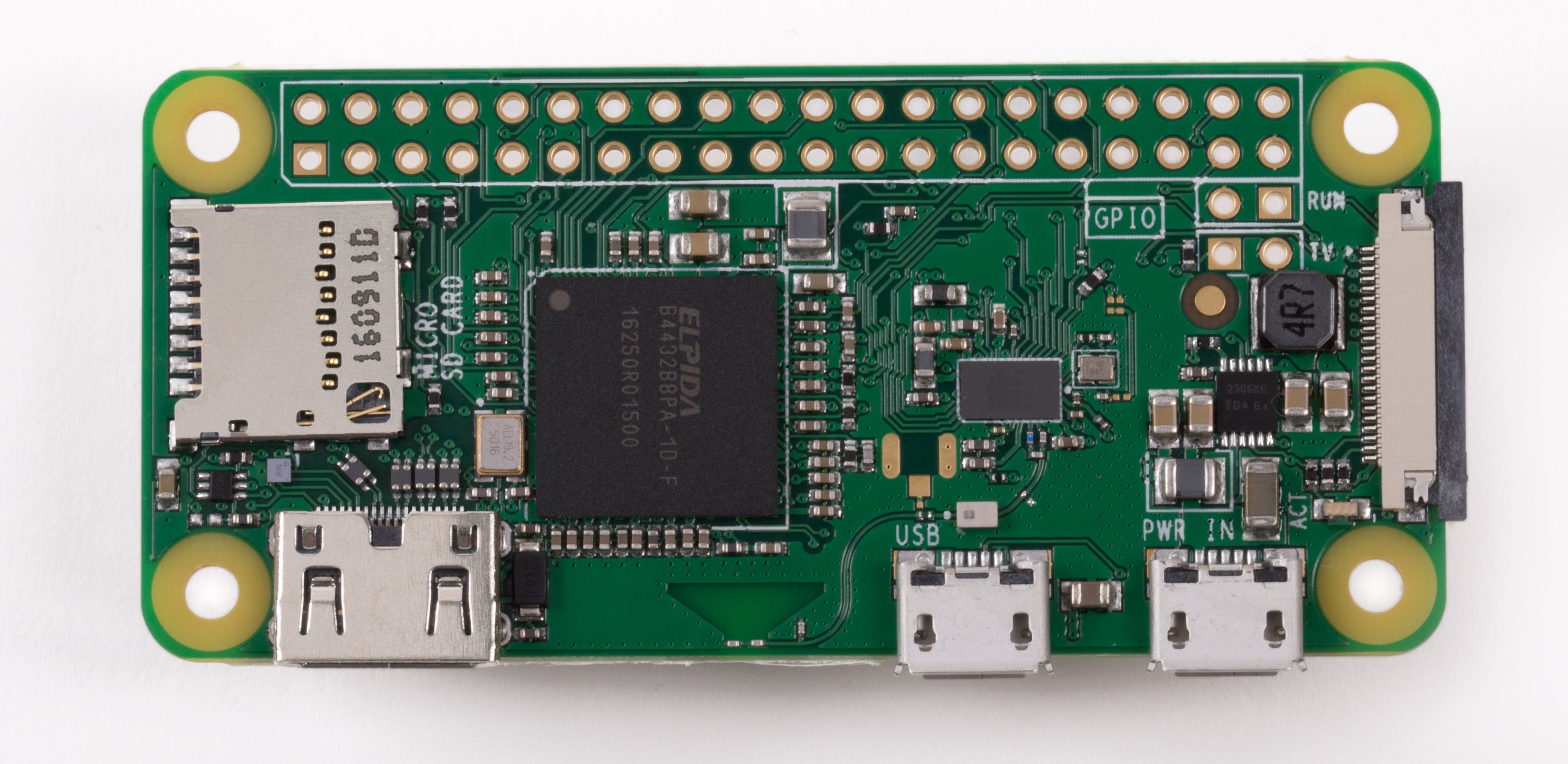
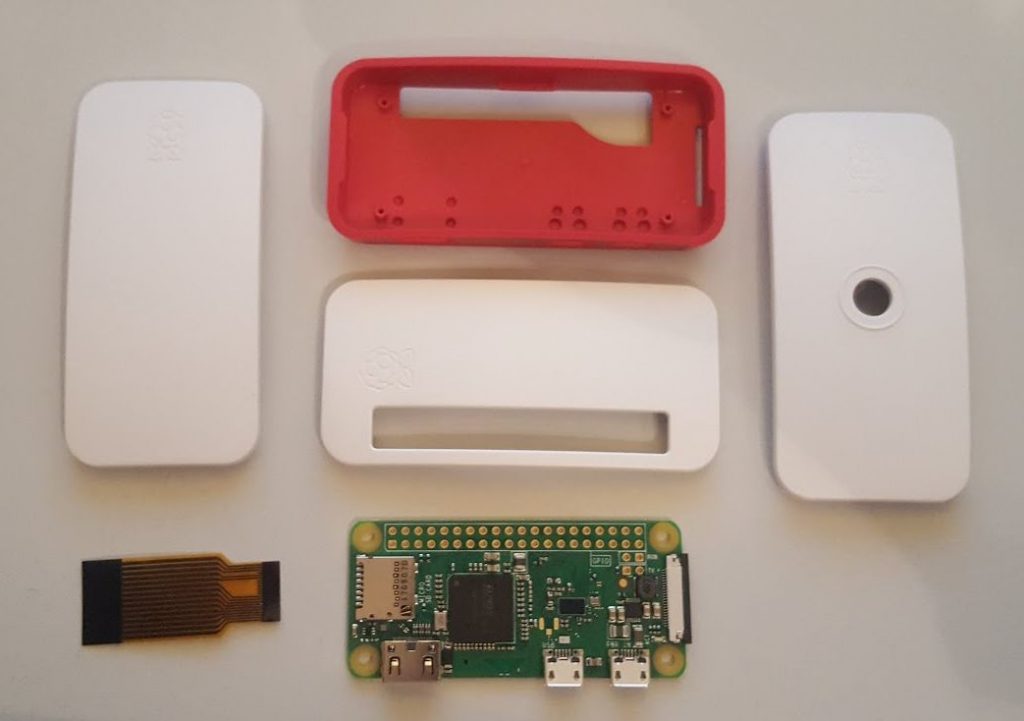
Der kleine Bruder des Raspberry kommt mit einer WLan Karte und reduzierten Schnittstellenumfang. Er bestitzt einen Mini-HDMI Anschluss und einen Micro USB Anschluss für Periferie wie Mouse, Tastatur, USB-Festplatten usw.. Die GPIO-Pins müssen beim Zero W selbst aufgelötet werden. Wie unten zu sehen ist, gibt es ein Standardgehäuse mit passenden Ausparungen.
Daten im Überblick
| Name | Raspberry Pi Zero | Arduino Nano 33 BLE |
|---|---|---|
| Number/CPU | ARM1176JZF-S | 1 / 64 MHz Arm® Cortex-M4F (with FPU) |
| Clock speed (MHz) | 1000 | 64 |
| Kernel | 1 | 1 |
| Digital IOs / Pins | 26 | 14 |
| Analog inputs | – | 8 |
| Interrupt Pins | ? | 14 |
| Pulse Width Modulation | 2 | 14 |
| SPI | 1 | 1 |
| Flash memory | micro SD card | 1 megabyte |
| RAM (KB) | 512 | 256KB |
| EEPROM (KB) | – | – |
| WiFi | 2.4 GHz, 802.11 b/g/n | – |
| Encryption | WEB / WPA2 / TKIP / AES | – |
| Bluetooth | 4.1 | NINA-B306 Module Bluetooth® Low Energy 5.0 Module Bluetooth® 5 Multiprotocol / Zigbee |
| UART | 1 | 1 |
| I2C | 1 | 1 |
| Ethernet | – | – |
| Video | Micro | – |
| Sound | HDMI digital | – |
| Miscellaneous | – | LSM9DS1 (9-axis IMU) MPM3610 DC regulator NFC-A tag Nina B306 |
| USB | – | 1 Micro |
| Operating voltage [V] | 5 | 3,3 |
| Input voltage | 5 | 21 |
| Current (mA) / Standby (mA) | 80-120 | 30 |
| Size L x W x H | 65 x 31 x 5 | 43,16 x 17,7 |
| Weight [g] | 9 | 5 |
Pin assignment
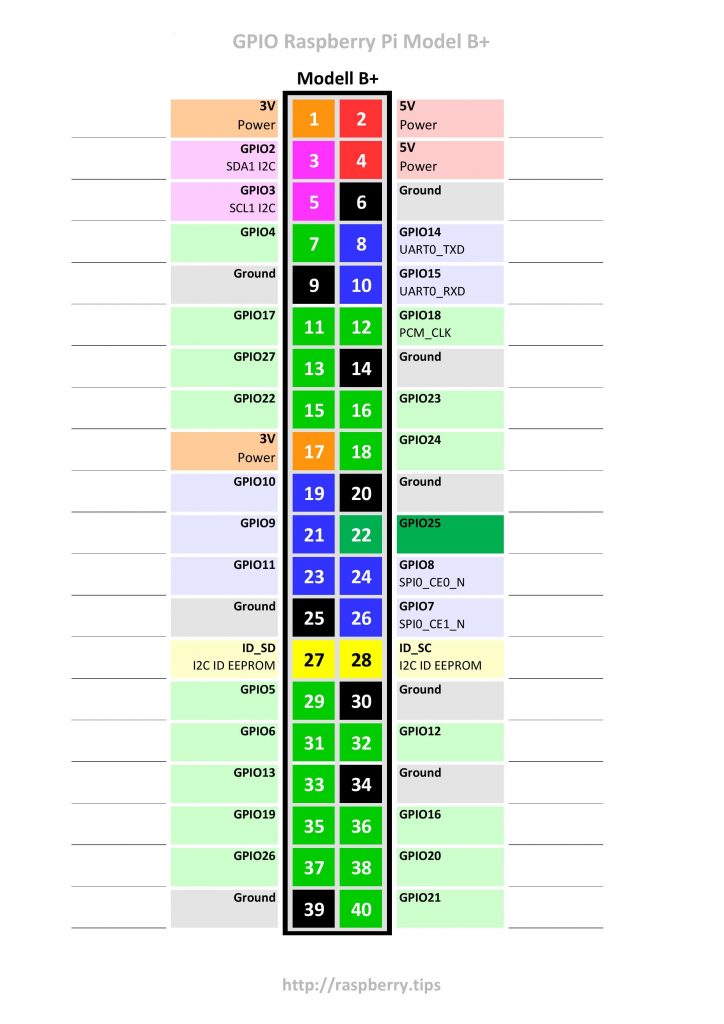
Das Pinning ist mit dem Raspberry Pi 2 B+ gleich.
Headless Installation
Raspberry Pi Zero W – Headless Installation
Miscellaneous
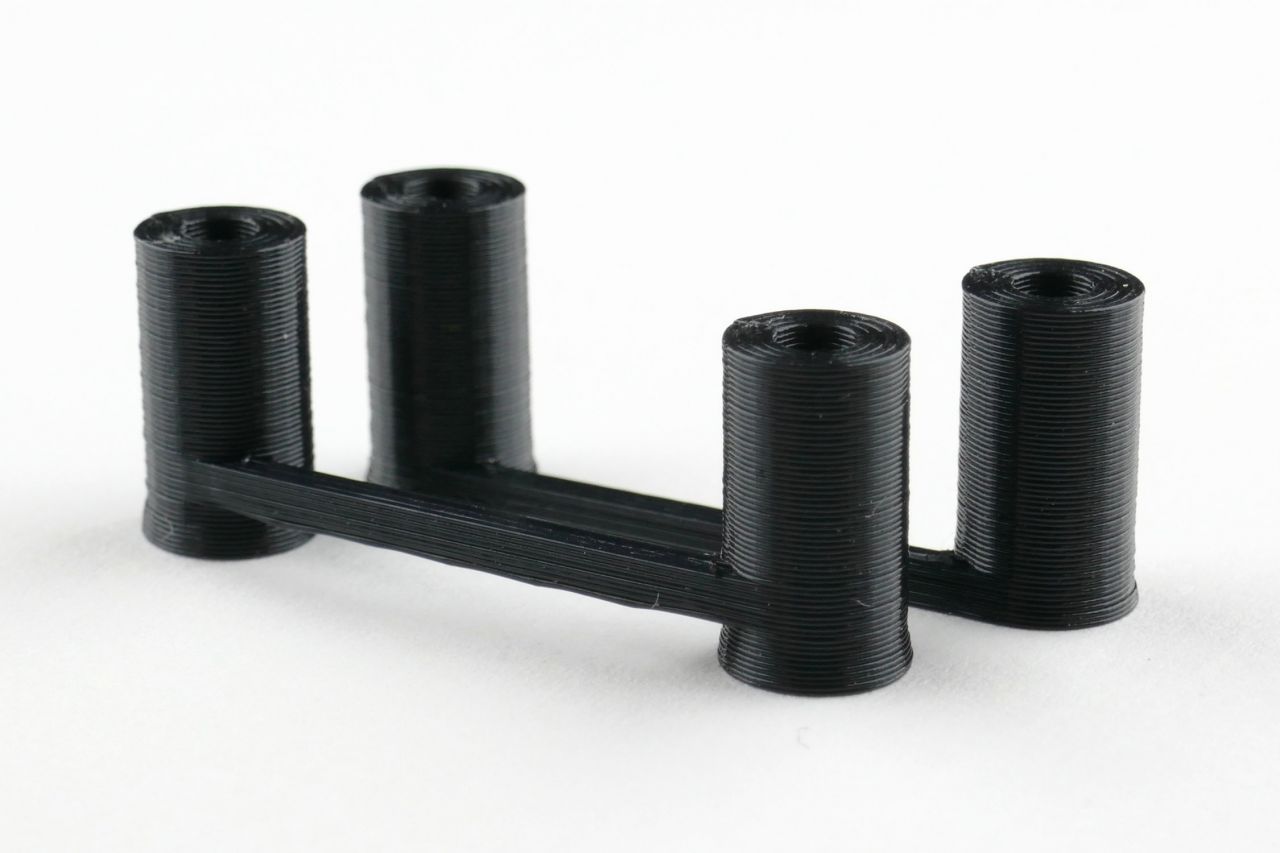
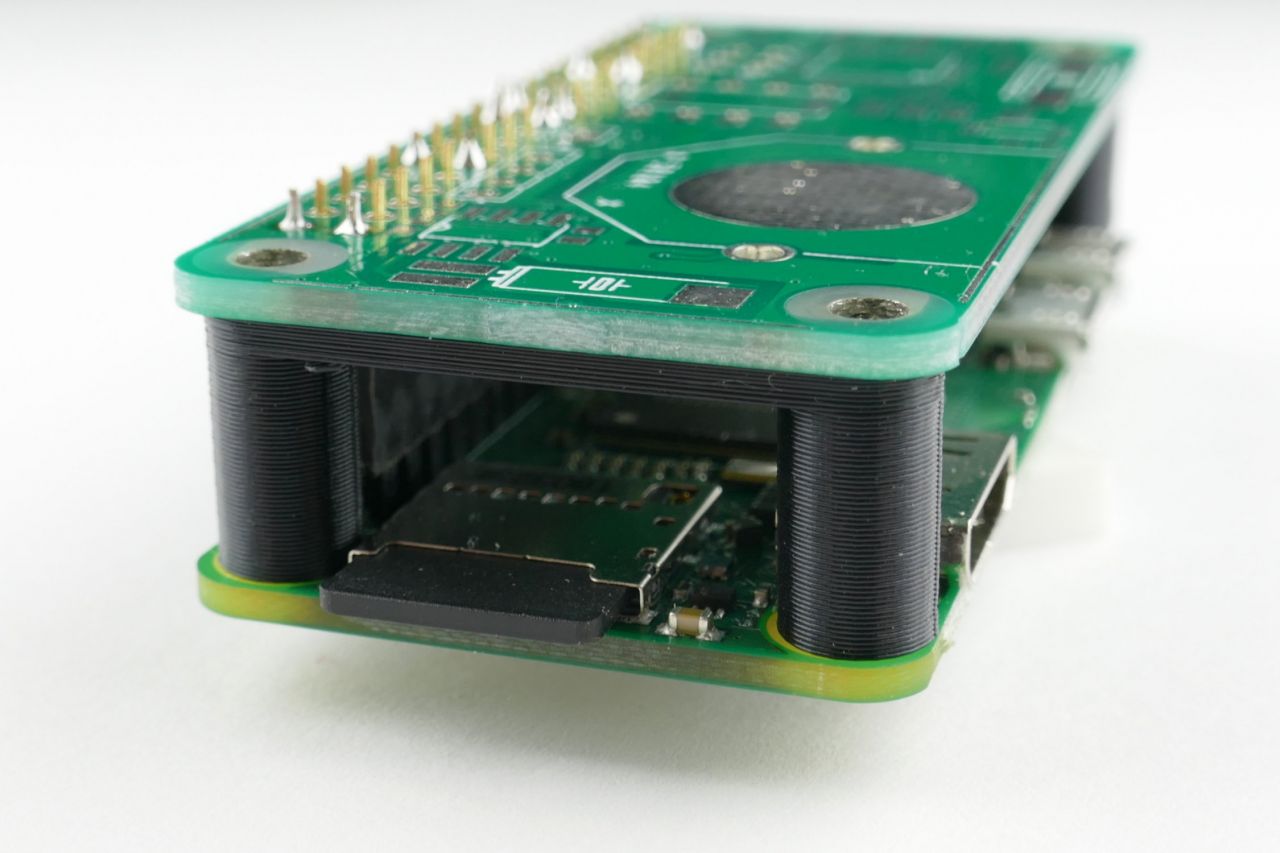
Abstandshalter für den 3D Druck
Source: https://hobbyelektronik.org/w/index.php/3D-Druck-Sammelsurium
Verwandte Beiträge
Sources
https://raspberry.tips/raspberrypi-tutorials/raspberry-pi-modell-b-plus-gpio-pins-worksheet
https://de.wikipedia.org/wiki/Raspberry_Pi
Logbook
| Date | Description |
|---|---|
| ? | Post Created |
| 18.07.2026 | Abstandshalter für den 3d Druck hinzugefügt. |
| Date | Change | Author |
|---|---|---|
| 03.03.2018 | Post created | Suffocation |