Last Updated on 8. October 2026 by SuffocationLink status: OK
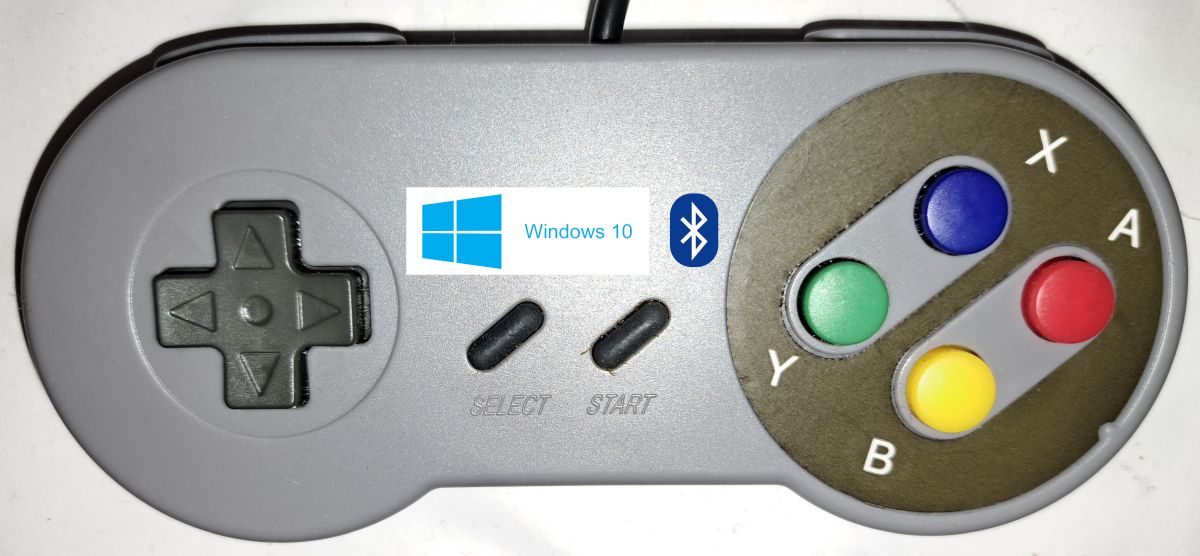
Einbinden eines beliebigen Gamecontrollers (Joystick, Gamepad, ….) unter Windows 10. Wer keinen Controller zur Hand hat, kann unter folgendem Link nachsehen, wie man einen ESP32 zum Controller macht.
ESP32 Bluetooth GamepadLink status: OK
Facts
Required hardware
Bluetooth Game Controller
Required Software
- Windows (10)
Areas of application
- Remote control
- RC control
- Joystick for games
Configuration
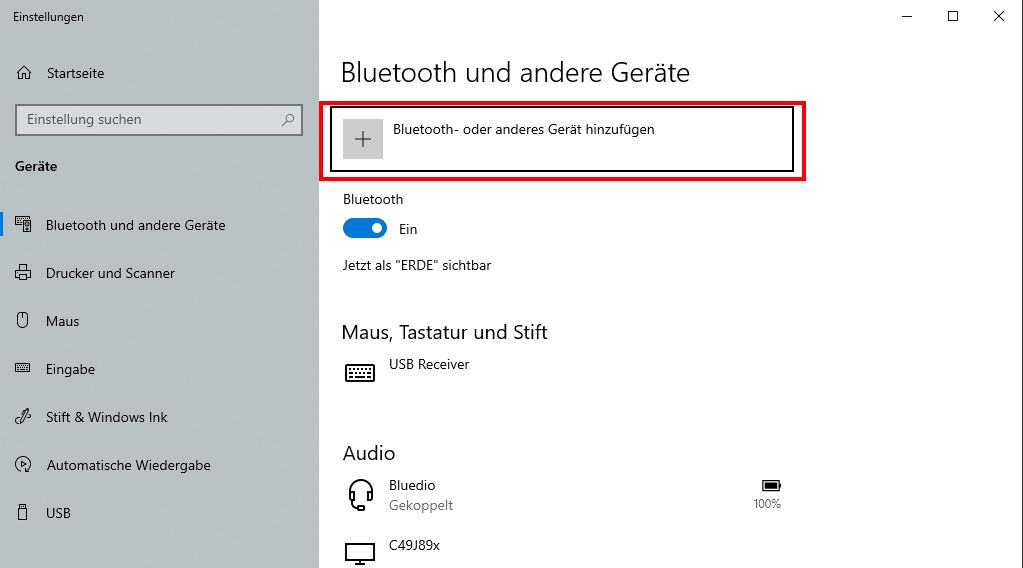
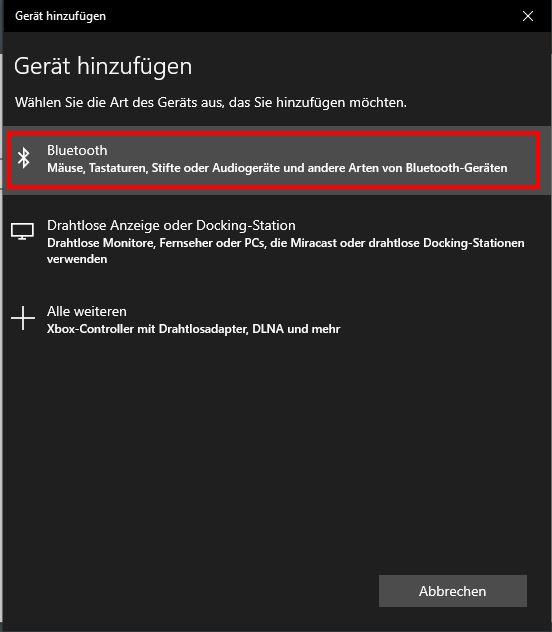
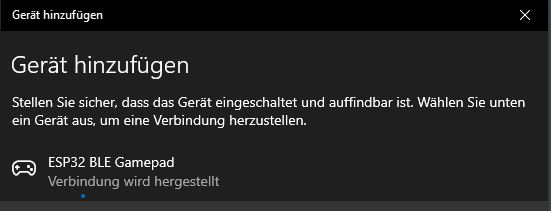
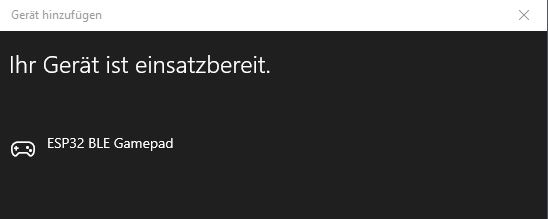
Die Bluetooth und andere Geräte-Einstellungen öffnen und die Suche starten.
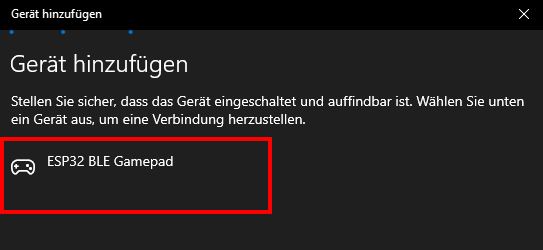
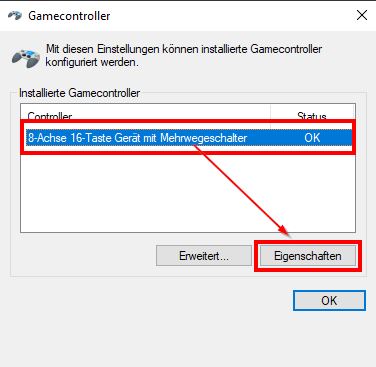
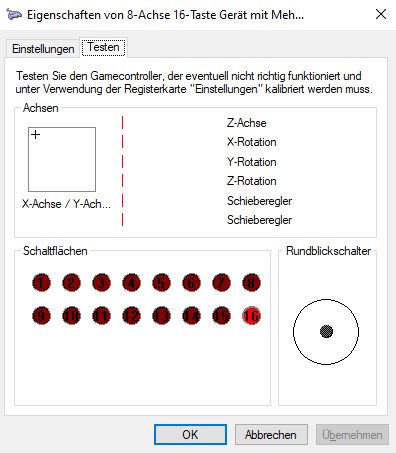
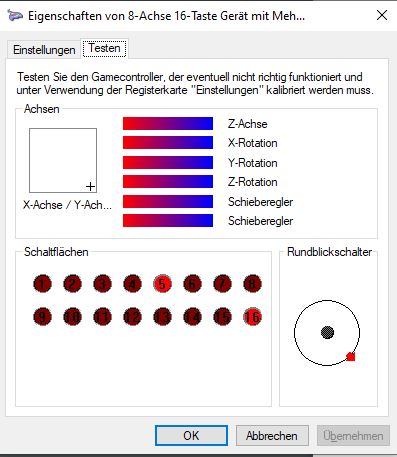
Nun kann in der USB-Controller Einrichtung die Funktion beobachtet werden.
Conclusion
Kein Hexenwerk, kann schnell eingebunden werden.
Related Posts
- PS3 controller under Ubuntu 2x.04Link status: OK
- PS3 controller on Windows 10Link status: OK
- ESP32 Bluetooth GamepadLink status: OK
- Bluetooth game controller on Ubuntu 20.04Link status: OK
Sources
NimBLE-ArduinoLink status: OK
NimBLE-Arduino New User GuideLink status: OK
NimBLE-Arduino API Link status: OK
https://github.com/lemmingDev/ESP32-BLE-GamepadLink status: OK
https://en.wikipedia.org/wiki/List_of_Bluetooth_profilesLink status: OK
https://en.wikipedia.org/wiki/USB_human_interface_device_classLink status: OK
https://www.usb.org/sites/default/files/documents/hid1_11.pdfLink status: OK
| Date | Change | Author |
|---|---|---|
| 08.10.2026 | Überschriften-Hierarchie korrigiert (H1→H2, Unterebenen eine Stufe tiefer) | Suffocation |
| 04.10.2026 | Rechtschreibung korrigiert: Tippfehler, Kommas, Kleinschreibung | Suffocation |
| 03.10.2026 | Log-Liste eingefügt | Suffocation |
| 04.01.2024 | Post created | Suffocation |