Last Updated on 3. October 2026 by SuffocationLink status: OK
Video Lan Client ist nicht nur gut zum Ansehen von Videos, sondern auch zum Streamen von Inhalten geeignet. So kann man mit seiner Hilfe zum Beispiel die Bilder von IP Kameras ansehen oder selbst Streams zur Verfügung stellen.
DOWNLOAD
https://www.videolan.org/vlc/index.de.htmlLink status: OK
INSTALLATION
Video Lan Client herunterladen und wie gewohnt unter Windows installieren. Es gibt auch Linux Versionen, ggf. schaut in eurer Distri nach, wie er installiert wird. Auf dem Raspberry PI sollte er vorinstalliert sein, wenn nicht, dann wie folgt installieren:
sudo apt-get update
sudo apt-get upgrade
sudo apt-get install -y vlc
USE
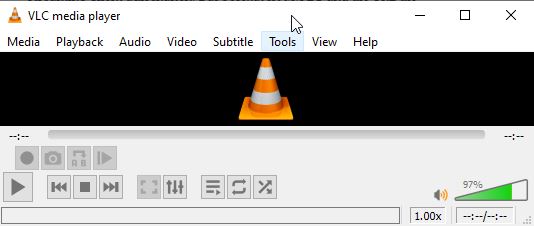
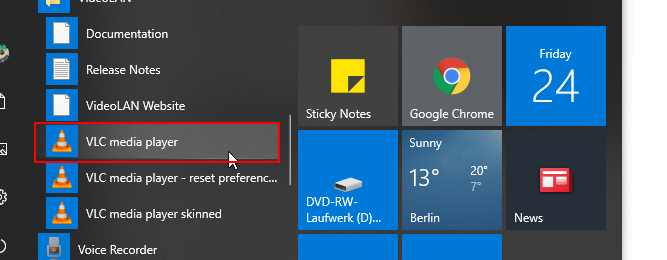
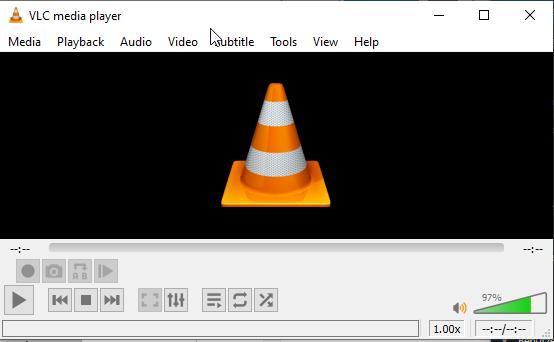
Start by double-clicking on Windows.
PROBLEM
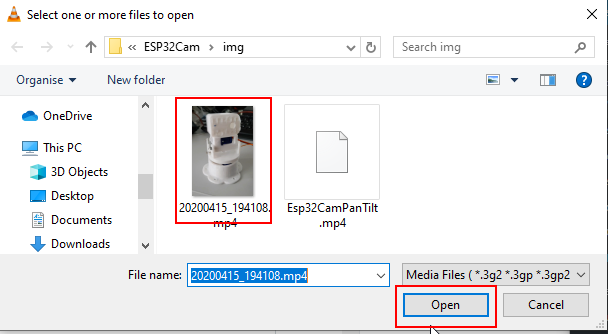
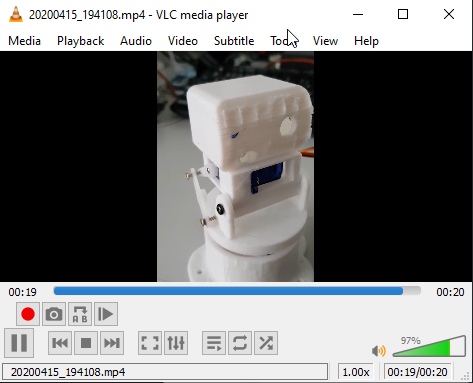
Under Linux with
vlc <dateinmae>TIPS
Streams öffnen
Beim Testen der ESP32Cam brauchte ich einen Video Client, auch wenn mein Versuch, mich mit der ESP32Cam zu verbinden, gescheitert ist, möchte ich hier kurz das Prinzip beschreiben.
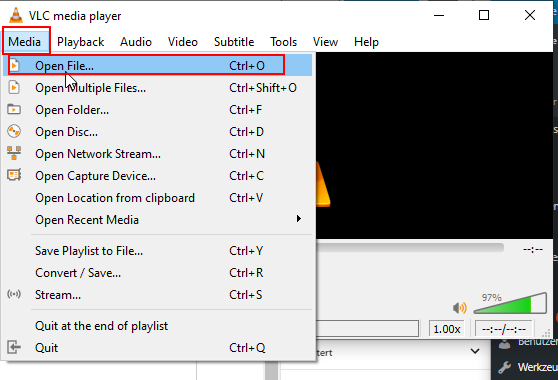
Open stream:
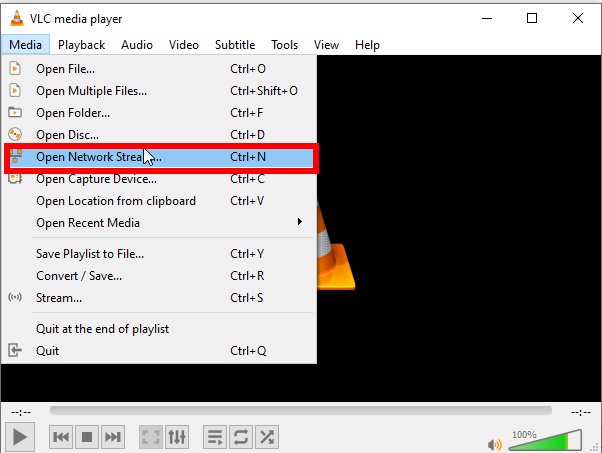
Ouvrir un flux réseau dans VLC
Enter the URL and press Play.
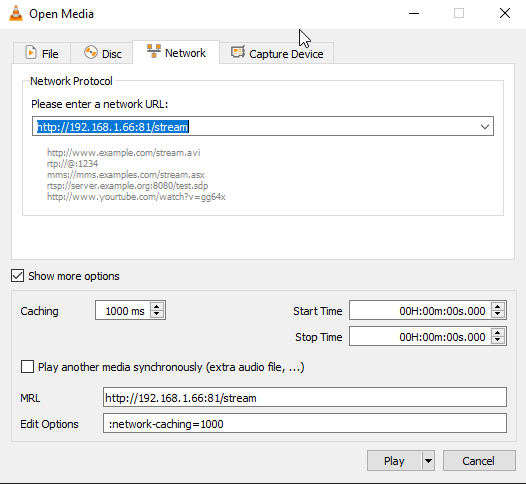
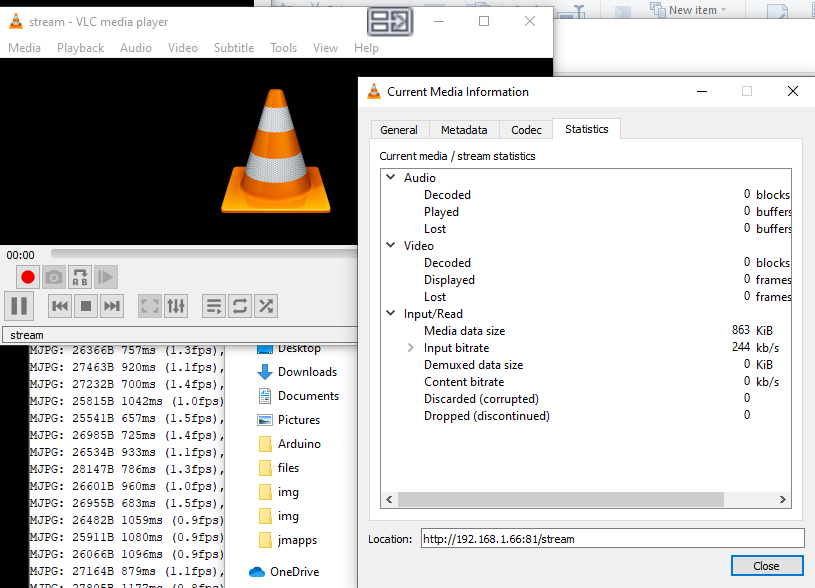
Bei der ESP Cam verbindet sich der VLC, zeigt aber kein Bild. Der Grund hierfür scheint zu sein, dass er das MJPEG Format nicht erkennt. Ich habe einige Einstellungen ausprobiert, leider ohne Erfolg. Zum Beispiel habe ich den MJPEG Demuxer mal vorgegeben (Damit geht es gar nicht). Wenn ihr einen Tipp habt, lasst einen Kommentar da.
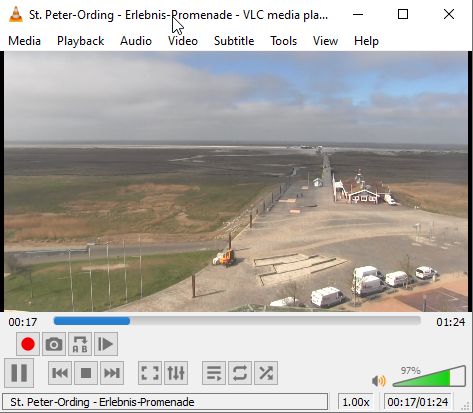
Mit den öffentlichen Streams klappt’s dann, hier mal die von ST-Peter Ording
https://sts051.feratel.co.at/streams/stsstore053/1/03242_5ea2a796-53d5Vid.mp4?dcsdesign=WTP_feratel.comLink status: Unknown
Conclusion
Netter Video Player zum Streamen geeignet. Kann viele Codecs nutzen. Die Einstellungen waren für mich etwas unübersichtlich, das kenne ich besser.
ANDERE BEITRÄGE
- Raspberry Pi as NVR with ShinobiLink status: OK
- MPV (Linux)Link status: OK
- ISpyLink status: OK
SOURCES
https://www.videolan.org/vlc/index.de.htmlLink status: OK
https://sts051.feratel.co.at/streams/stsstore053/1/03242_5ea2a796-53d5Vid.mp4?dcsdesign=WTP_feratel.comLink status: Unknown
| Date | Change | Author |
|---|---|---|
| 03.10.2026 | Rechtschreibung korrigiert: Kommas, Tippfehler, Groß-/Kleinschreibung Log-Liste eingefügt | Suffocation |
| 24.04.2020 | Post created | Suffocation |
Hello, first of all, thank you for your work here. It helped me a lot to get my ESP32-Cam up and running. The VLC player is also streaming now, everything is set up as described.
Hello Dag,
It's great that it worked out for you. What did you have to adjust in VLC for it to work?
Greetings Stefan
Hello,
Very nice collection on the subject of ESP32-CAM.
I've also noticed this problem, that the stream is strangely not playing in VLC.
I also tried several things with VLC and unfortunately haven't found a solution yet, but a good tip is the program iSPY.
All the best.
MAK
Hello MAK,
Thanks for your experience report. It's „good“ to see that VLC isn't working for others either. I still suspect that I'm just too incompetent to configure VLC correctly. Perhaps someone who has managed it will come forward.
Hello
Stefan