Last Updated on 4. October 2026 by SuffocationLink status: OK
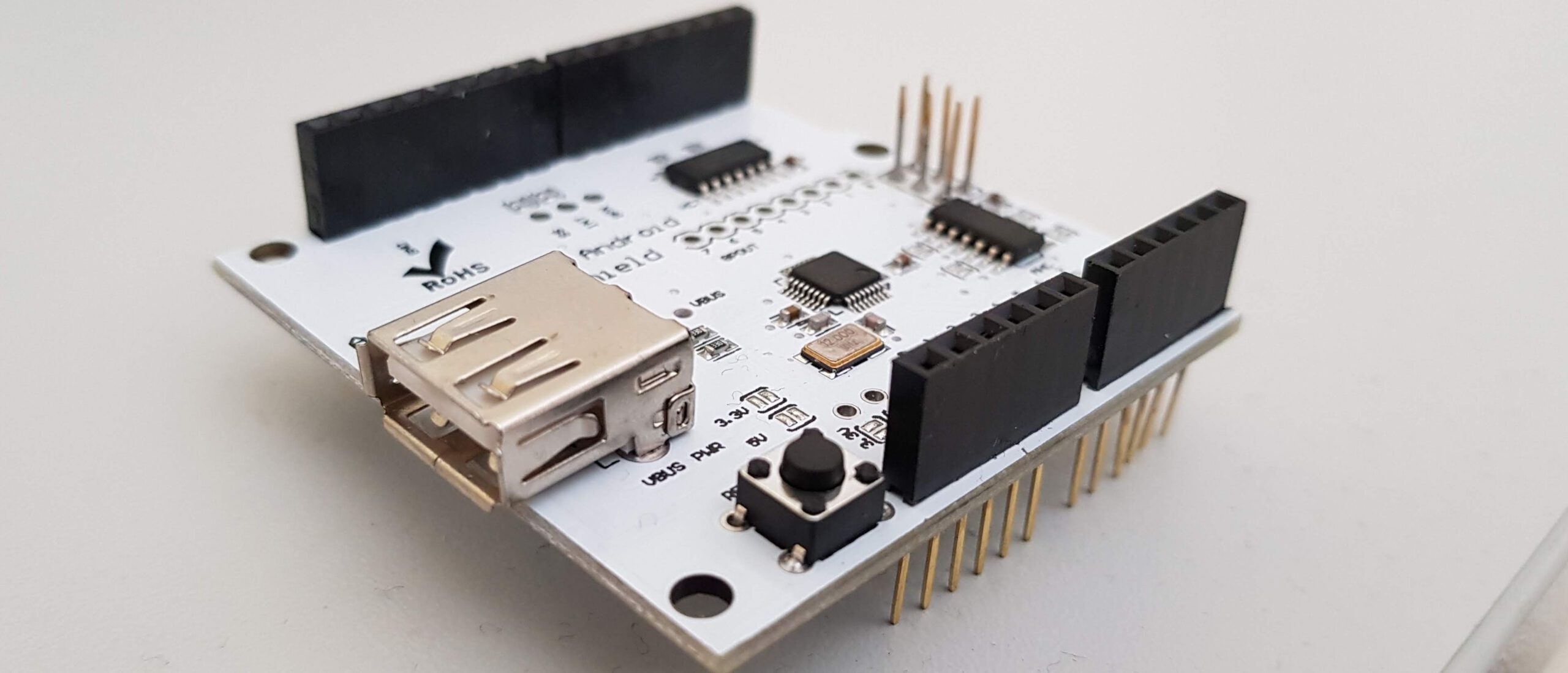
An add-on board for the Arduino Uno and compatible boards. It doesn't have much more than a USB port. Various peripherals such as mice, keyboards, gamepads and hard drives can be connected to this.
As there is no operating system on the Arduino that offers various drivers, the functionality is limited by the library. Of course, new drivers can be written yourself, and the library found (see below) already offers quite a bit.
Ich habe ein nettes Projekt im Netz gefunden, welches mit Hilfe einer Mouse einen Cursor auf einem LCD Display steuert. Um zu sehen, ob ich das auch kann, habe ich dieses mal etwas abgewandelt, ohne in den schon vorhandenen Code zu schauen.
Areas of application
Generell kann die USB Platine dazu verwendet werden, diverse Devices anzuschließen, hier nur ein kleiner Auszug:
- Connecting HID devices like mice and keyboards
- Using PS3/4 controllers
- Xbox Controller
- Accessing Mass Storage*
- Connecting Bluetooth Adapters
- …
*USB sticks and hard drives could cause problems, for example, the Arduino Uno is too small.
Facts
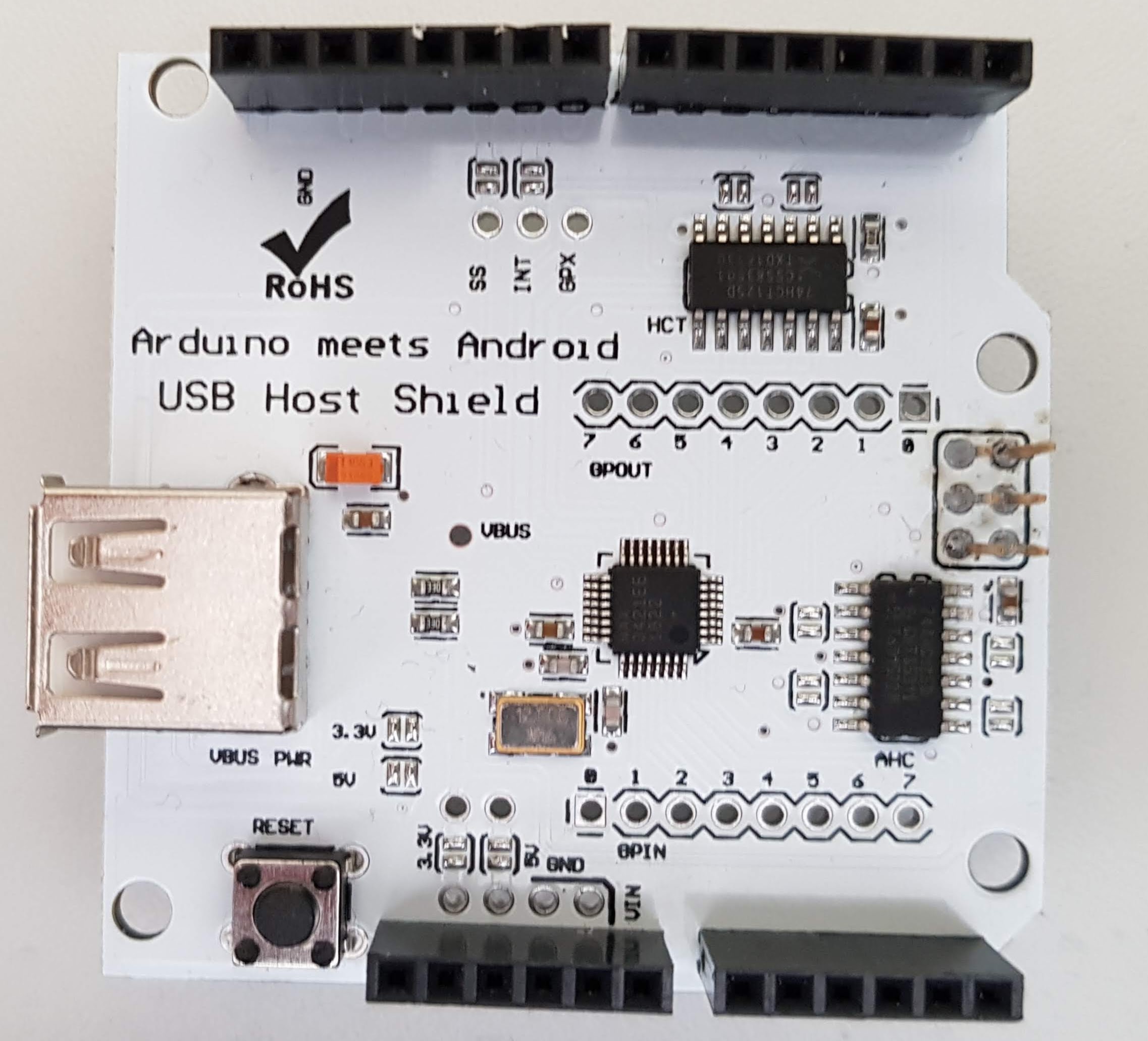
The facts are quite brief, the board includes:
- USB port
- Reset Button
Bill of materials
- USB expansion board
- Arduino Uno or compatible
- USB mouse (a cheap Logitech for me)
- LCD Display
- A few pin header cables
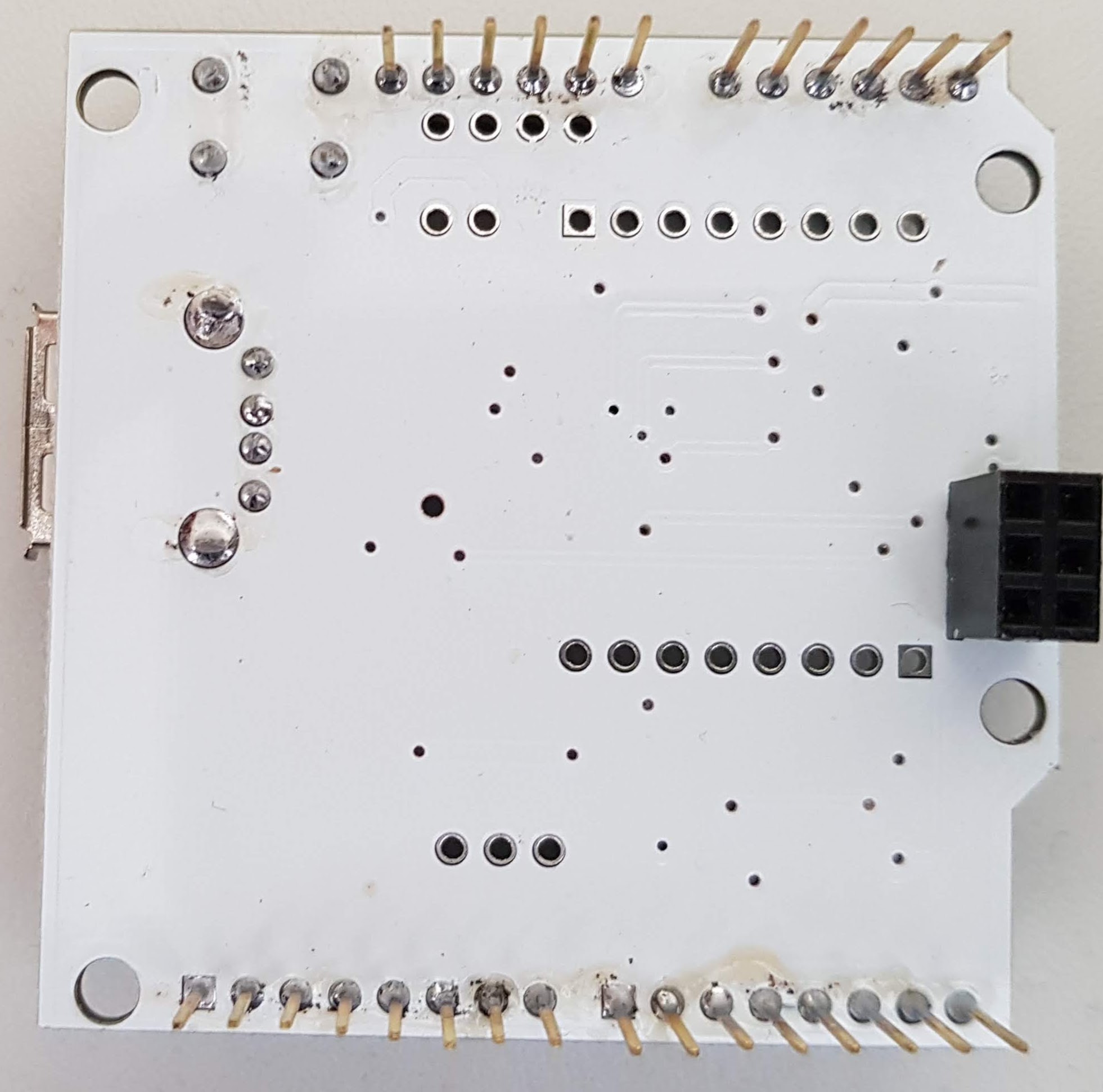
Views
Programming
Libraries
USB
Es gibt eine Bibliothek, die mittlerweile sehr umfangreich ist:
https://github.com/felis/USB_Host_Shield_2.0Link status: OK
I have copied the files from the USB library used into the project folder. CAUTION: only the required files are in the folder.
Graphics
Da die Adafruit Display-Bibliothek und die USB Bibliothek nicht gemeinsam auf einen Uno passen, habe ich nach einer kleineren Graphikbibliothek Ausschau gehalten. Im Netz bin ich auf die u8g Bibliothek gestoßen:
https://github.com/olikraus/u8glibLink status: OK
Diese Bibliothek habe ich über den Bibliotheksmanager eingebunden, da sie viele Dateien enthält und ich auf die Arbeit verzichten wollte, nur die benötigten herauszusuchen.
The integration of libraries in general is described under the following link, and I will not go into further detail here.
https://fambach.net/arduino-ide#BibliothekenLink status: OK
Test programme
Test 1 – Mouse auslesen
Als erstes Testprogramm habe ich das Beispiel Mousetest aus der Bibliothek verwendet. Ich habe die MouseRptParser Klasse so angepasst, dass die Mouse-Werte für die aktuelle Position sich nur im validen Bereich des Displays verändern. (In X-Richtung von 0-127 bewegen und in Y-Richtung von 0-63). Der Faktor gibt an, wie schnell sich die Werte ändern sollen und entspricht der Mausgeschwindigkeit. 0,1 ist sehr langsam … 1,0 sehr schnell. Bei 0.1-0.2 liegt für mich ungefähr die Wahrheit. Sonst macht die Klasse nichts außer die Werte auf der Console auszugeben.
Test 2 – Graphik
Um die Graphik Bibliothek zu testen, habe ich 3 Symbole auf das Display gezeichnet (Ein Kreis, ein Dreieck und ein Rechteck). Ein kleinerer Kreis, welcher den Cursor darstellen soll, läuft automatisch von links nach rechts. Die großen Symbole haben eine Kollisions-Erkennung. Sollte der „Cursor“ auf sie treffen, füllen sie sich mit der Vordergrundfarbe. Der Cursor selbst wird dann mit der Hintergrundfarbe gezeichnet.
Ich habe für jedes der Symbole und den Cursor eine Klasse erstellt, welche auch die Kollisionskontrolle übernimmt.
Here is the example program:
This is what it looks like:
Joint final product
I have merged the two test programs here and adapted them so that the current mouse position is passed to the cursor.
The source code can be downloaded here.
That's how it is
Problems
Connection of mass storage devices
StrumpfEule meldet, dass die Anbindung von Massenspeichergeräten auf dem Arduino mit der o.g. Bibliothek nicht funktioniert. Ungläubig habe ich dies recherchiert und getestet und muss dies leider zumindest teilweise bestätigen. Auf dem Arduino Uno scheint es gar nicht zu funktionieren, sein Speicher ist zu klein und ihm fehlt ein dritter Timer.
Für den Arduino Mega 2560 ließ sich das mitgelieferte Beispiel compilieren und scheint laut Ausgabe auf der Console auch zu funktionieren. Weitergehende Tests habe ich nicht durchgeführt.
Conclusion
Die Einbindung einer Funkmaus war sehr einfach. Die USB Bibliothek bietet fast alles, was man braucht. Sie verbraucht viel Speicher, bleibt aber im Rahmen. Dies sollte man jedoch berücksichtigen, wenn andere speicherintensive Bibliotheken verwendet werden. Sonst gab es aus meiner Sicht keine größeren Hürden. Ich wollte, andere Bibliotheken würden so problemlos funktionieren.
Related Posts
- Arduino VENTUNO QLink status: OK
- Arduino UNO QLink status: OK
- Digispark Rev.3 rettenLink status: OK
- Retro Projekt – FDC USB Floppy Disk ControllerLink status: OK
- Arduino Nano 33 BLELink status: OK
- Arduino Nano 33 IoTLink status: OK
- Preview – Arduino Motor Shield mit L298PLink status: OK
- Preview – Arduino Mega Logger ShieldLink status: OK
- Preview – Prototyp Schild für Arduino Mega Link status: OK
- Preview – Arduino Nano ZusatzplatineLink status: OK
Sources
https://www.watterott.com/en/USB-Host-Shield-20-for-ArduinoLink status: OK
https://github.com/felis/USB_Host_Shield_2.0Link status: OK
| Date | Change | Author |
|---|---|---|
| 04.10.2026 | Rechtschreibung korrigiert: Tippfehler, Kommas, Grammatik | Suffocation |
| 03.10.2026 | Log-Liste eingefügt | Suffocation |
| 15.06.2019 | Post created | Suffocation |
It's a shame USB sticks hardly ever work.
nix USB stick FAT or FAT32 support.. simply doesn't work with Arduino
Hello StockingOwl,
Thanks for your contribution. At first, I didn't want to believe it, but being able to read certainly helps; it's in the header for the Mass Storage driver. I researched this a bit because I still found it hard to believe. My current understanding is that it doesn't work with an Arduino Uno and this library. It's missing the 3rd timer; even if you managed with two, the memory would be too small. While there are success stories, they're rather haphazard and only use fragments of this or other libraries. Furthermore, it seems possible to address USB flash drives via a special USB controller. However, the controller handles the work in that case. It's supposed to work on the ATmega, though. I haven't tried it yet, but I will. I'll update the post in the coming weeks.
Hello
Stefan